For people who save more recipes than they cook.
Save any recipe. Get the list and buy it in one tap.
Save a recipe from any recipe site, YouTube, or a pasted recipe. Misenly puts every ingredient on one shopping list, sorted by aisle, and opens it on Instacart.
Free forever for saving recipes and shopping lists. No card needed. Prices show on Instacart.

no weekly plan needed
From a saved recipe to a full basket, and back to the stove.
Save a recipe
Paste a link or the recipe text, and share from your phone once the apps launch.
Get the list
Every ingredient shows up once, sorted by aisle. Anything already in your Pantry comes pre-checked.
Shop it on Instacart
One tap opens the list on Instacart. Pick your store and check out.
Cook, then save the next one
Save what looked good and the next list comes together the same way.


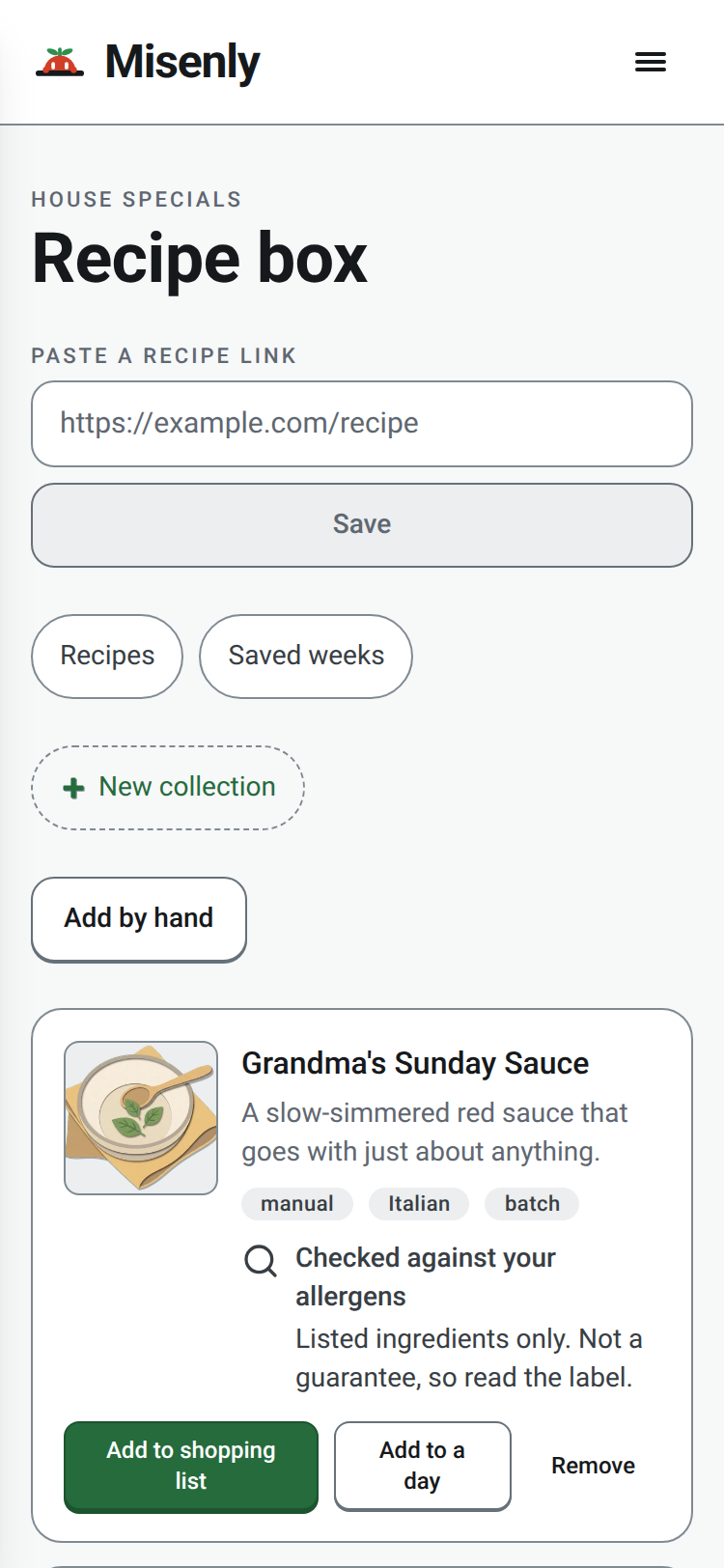
Every recipe you have saved, in one Recipe box.
Paste a link from any recipe site or YouTube, paste the recipe text, or share from your phone once the apps launch.
Paste a link
From a recipe site or YouTube. Misenly reads the title and ingredients and keeps the link to the full recipe.
Paste the text
If a site blocks the import, copy the recipe from the page and paste it in. Misenly sorts it into ingredients.
Share from your phone
Once the phone apps launch, share a recipe from your browser or another app straight into your Recipe box.
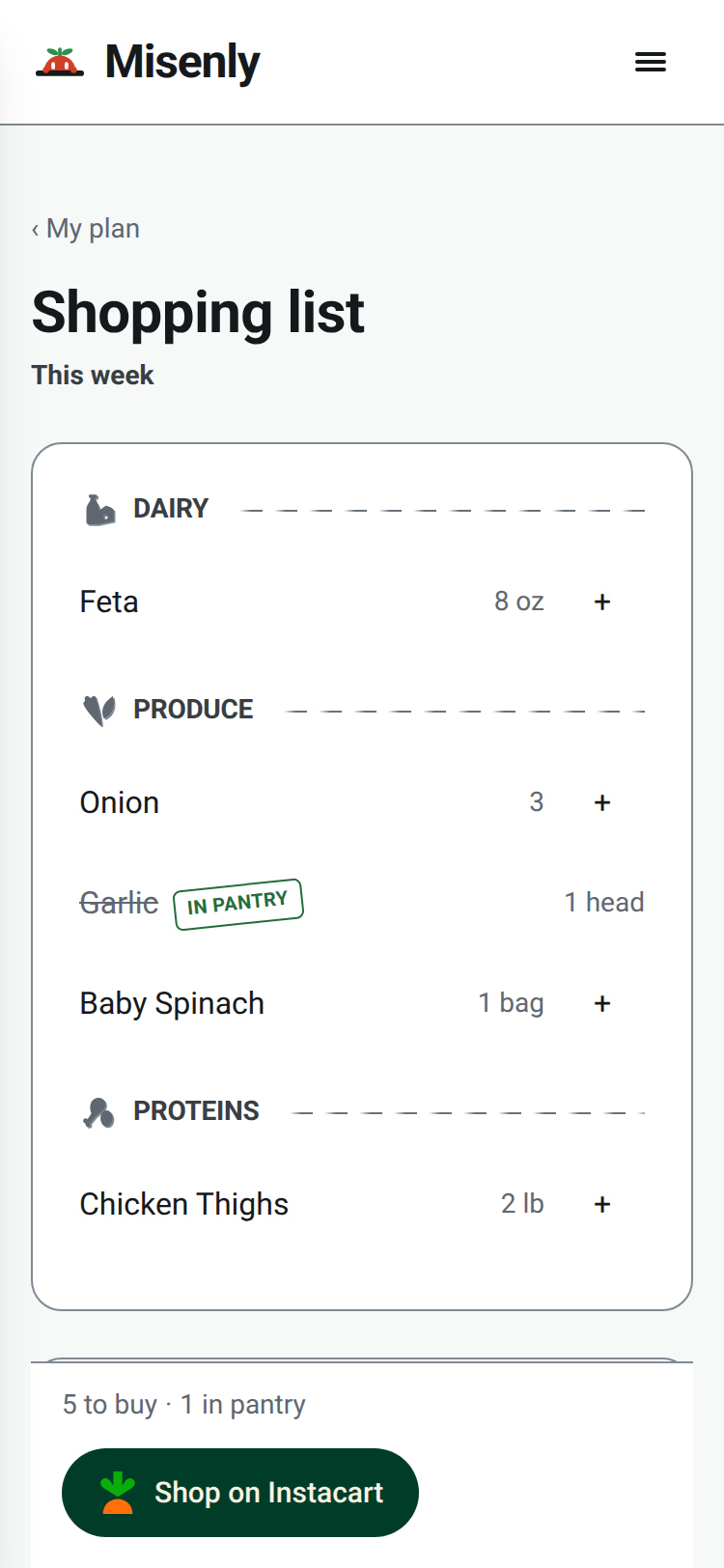
One list for every recipe, sorted by aisle.
Every ingredient appears once, grouped as Produce, Proteins, Dairy, and Pantry. When the list looks right, one tap opens it on Instacart.
Added together
Two recipes that need onions become one line on the list.
Pantry items pre-checked
Anything already in your Pantry is checked off before you shop.
Shop on Instacart
Shop on Instacart opens a page where you pick your store and check out.

Cook for the whole household.
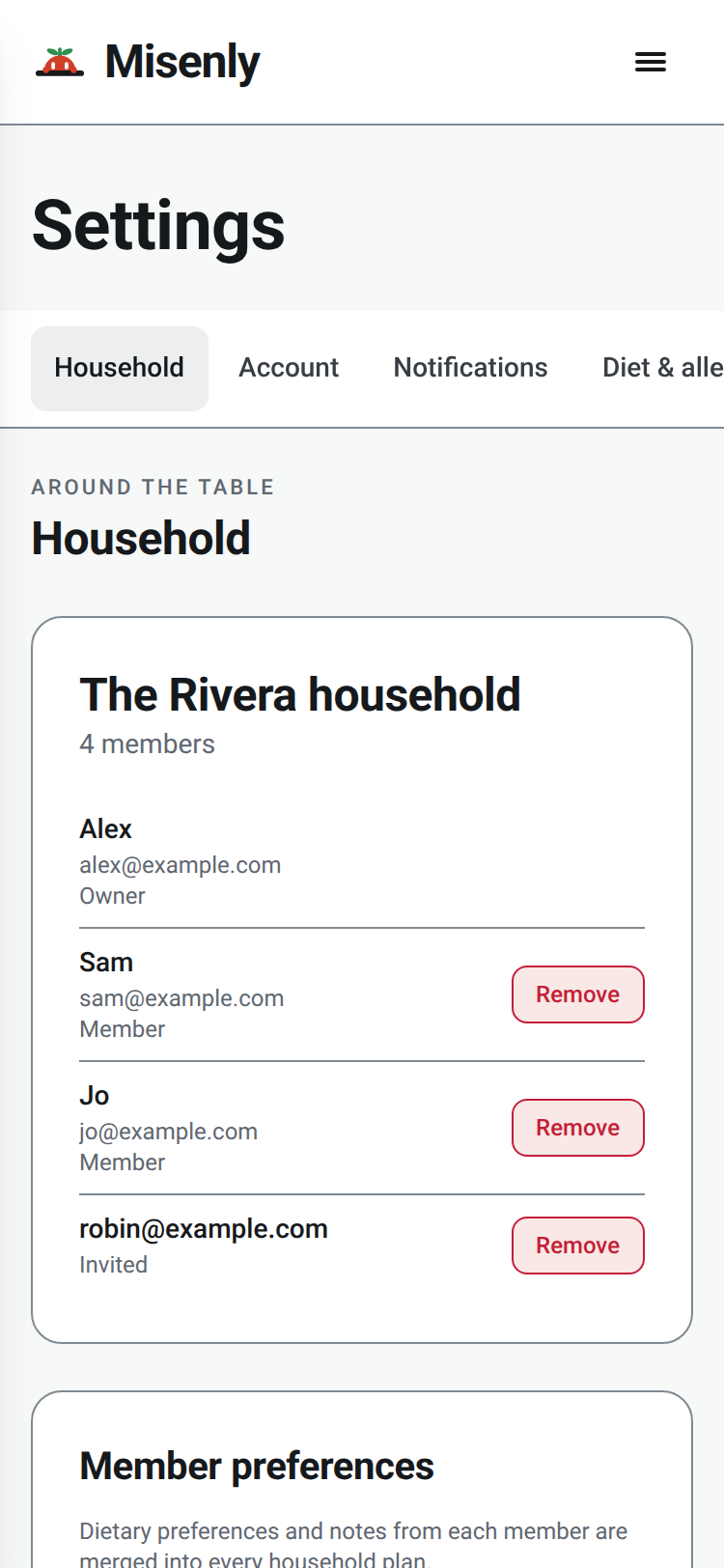
Invite the people you live with. Everyone’s dietary preferences and notes are kept together in one place.
Invite by email or link
Add people from Household in Settings. Each person gets a link to join, or you can share the link yourself. They sign in with their own account.
Everyone’s diet in one place
Each member’s dietary preferences and notes appear together on the Household page.
Tell Misenly your allergens once. It flags what it finds in every recipe.
Allergens are the first question in setup, not a setting to hunt for. Every saved recipe with an ingredient list is checked against your answers.
Asked before your first recipe
Say what to watch for before you save anything.
A flag, or the reason it could not check
A plain note when an ingredient may be a problem, such as "May contain gluten (soy sauce)". If a recipe has no ingredient list, Misenly says it could not check.
Never a safe badge
Misenly points at what to check yourself. It never calls a recipe safe.

Cook from what you already have.
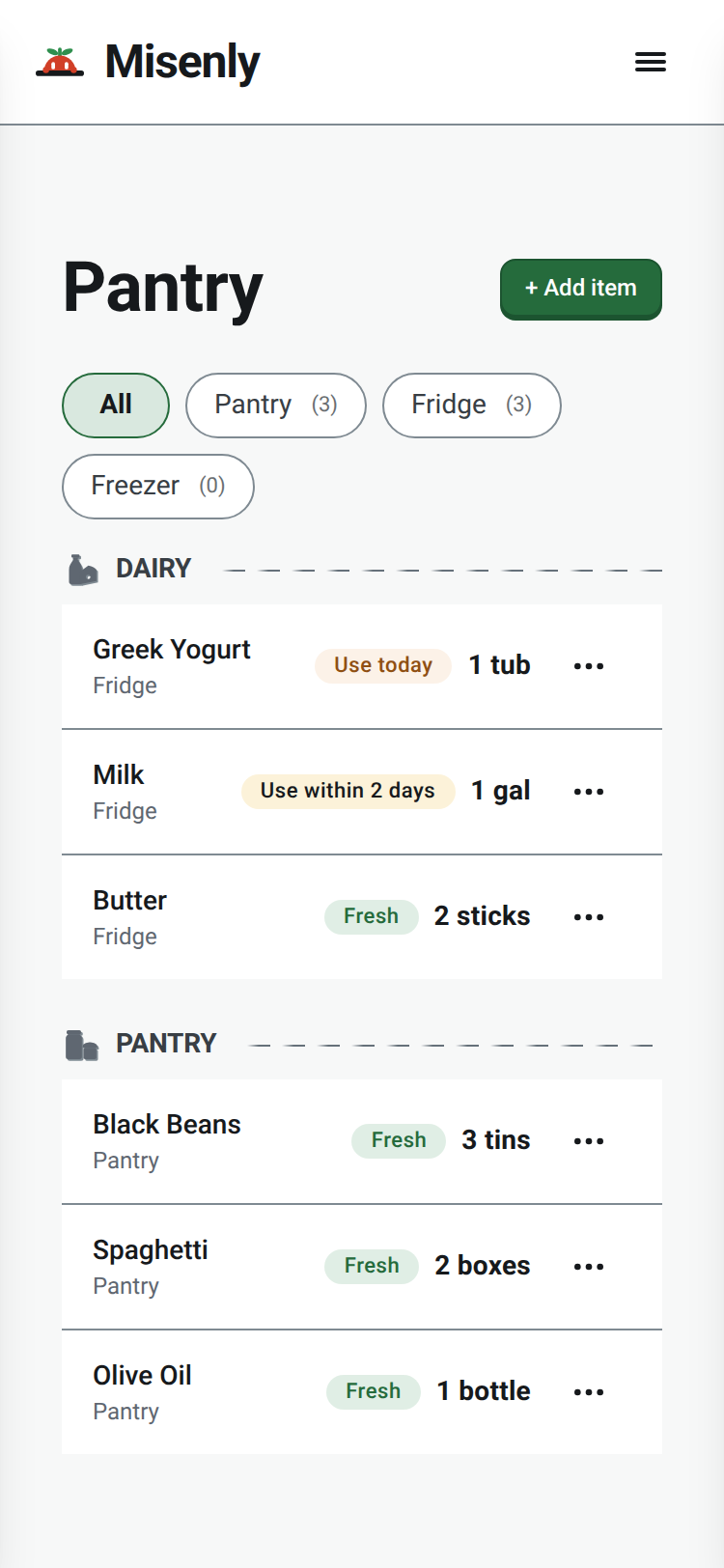
Your Pantry keeps track of what is in the kitchen. Items already in your Pantry are checked off on the list.
Scan a barcode
Choose Add item, then scan the barcode on a tin or box. When Misenly finds the product, it fills in the name, brand, and nutrition.
See what to use up
Items nearing their date are marked in your Pantry and on Home.
Put recipes on the days you will cook them.
Add a saved recipe to a day on your Plans calendar, then add those days to your Shopping list. Recipes without a day wait on the counter.

Add to a day
Pick from the open slots, or skip the day and put the recipe straight on the list.
On the counter
Recipes with no day sit on the counter until you place them.
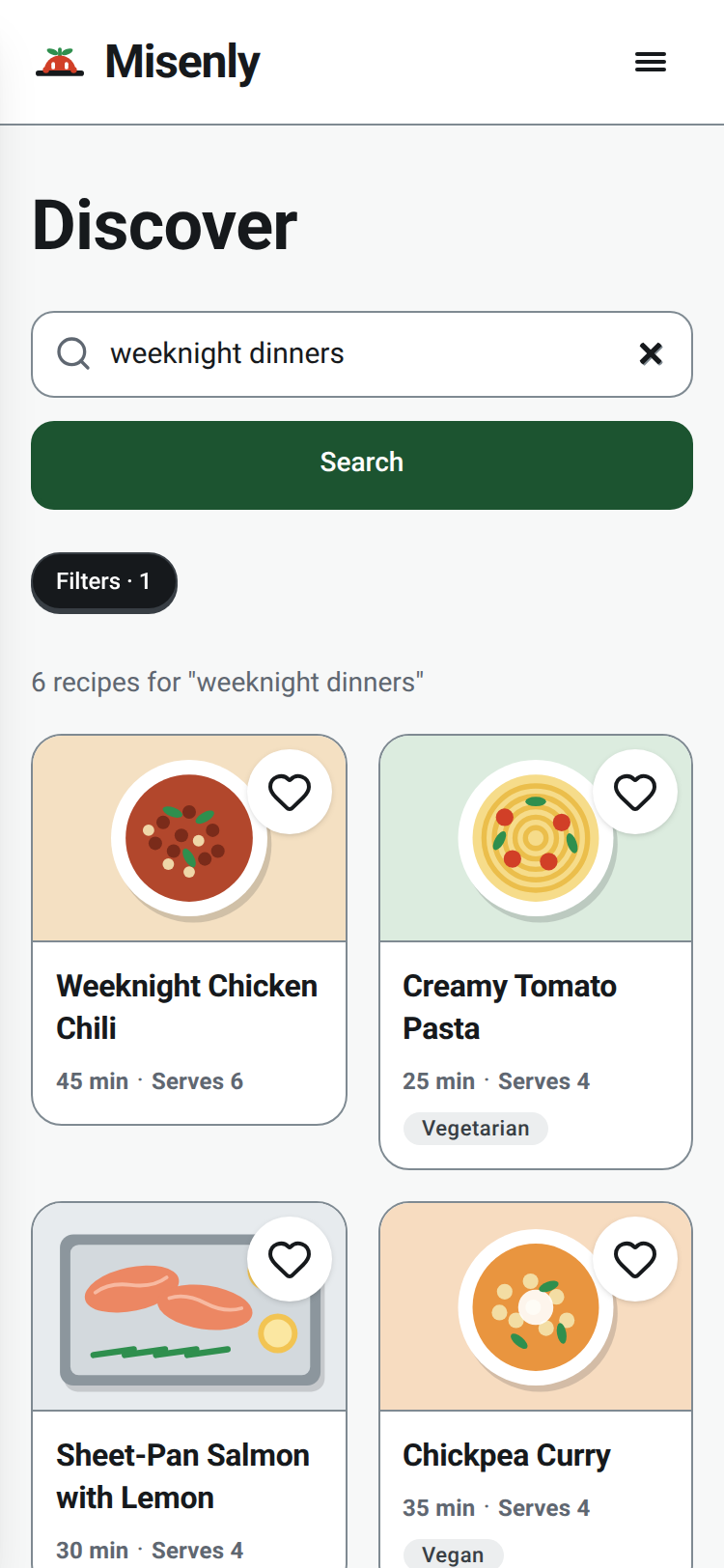
Search for something new and save what you like.
Search recipes by dish or ingredient and save the ones you like. A saved recipe joins your Recipe box and your list like any other.
Filter by how you eat
Narrow results by meal type, diet, your allergens, or time to cook.
Save it, then shop it
A saved recipe goes to your Recipe box, then onto a day or straight onto the Shopping list.

Save one recipe. The list is waiting.
Free forever for saving recipes and shopping lists. No card needed. Prices show on Instacart.
Get started for free